Jamie
Jamiewp:paragraph
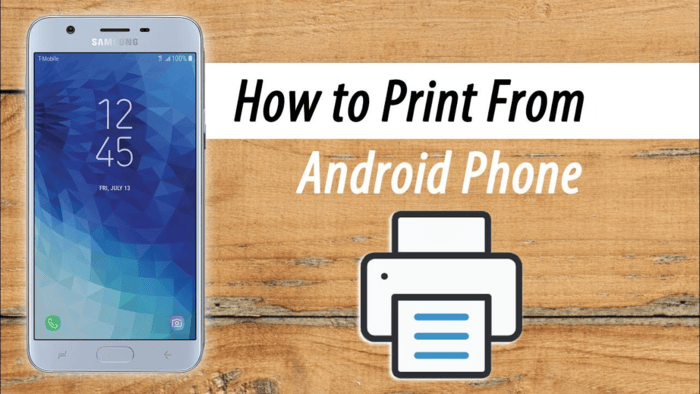
If you want to print from an Android phone or tablet, it is simpler than you think.
/wp:paragraph
wp:paragraph
Many people now keep and edit essential files on their phones while moving around.
/wp:paragraph
wp:paragraph
If you do the same, knowing how to print directly from your phone saves time since you don’t need to move files to a computer. Also, printing photos lets you have physical copies to display.
/wp:paragraph
wp:paragraph
Most apps, like Google Docs and Photos, let you print directly. You can pair your printer with Bluetooth and print it with your phone.
/wp:paragraph
wp:paragraph
You can also print if your printer supports Wi-Fi.
/wp:paragraph
wp:image {“id”:12212,”width”:”688px”,”height”:”auto”,”sizeSlug”:”full”,”linkDestination”:”media”,”align”:”center”}
/wp:image
wp:heading
Print from an Android Phone or Tablet
/wp:heading
wp:list {“ordered”:true}
- wp:list-item
- Open the file you want to print.
- Tap the menu and choose “Print.”
/wp:list-item
wp:list-item
/wp:list-item
/wp:list
wp:paragraph
The steps may vary based on your device, app, or file type. Usually, look at the top corners of the screen for three lines or three dots to access the menu.
/wp:paragraph
wp:paragraph
In Google Docs and Drive, find the file in the main menu, tap the three dots next to its name, and select “Print.”
/wp:paragraph
wp:paragraph
In Apple’s Photos app, swipe up on the photo, then scroll through the menu until you find the “Print” option.
/wp:paragraph
wp:list {“ordered”:true,”start”:3}
- wp:list-item
- The print menu will appear. You can adjust the number of copies, paper size, orientation, and other settings.
- Pick a printer from the drop-down list. If it doesn’t show up, check your phone’s Bluetooth settings to ensure it’s connected.
- Tap “Print” to send the document to the printer.
/wp:list-item
wp:list-item
/wp:list-item
wp:list-item
/wp:list-item
/wp:list