Jamie
JamieHave you ever wondered why certain mobile games make you want to toss your phone across the room while others feel so smooth?
The moment that passes between tapping the screen and seeing your character leap can mean the difference between winning and giving up. The key to responsive mobile gaming is something that most players are unaware of: Android SDKs and APIs.
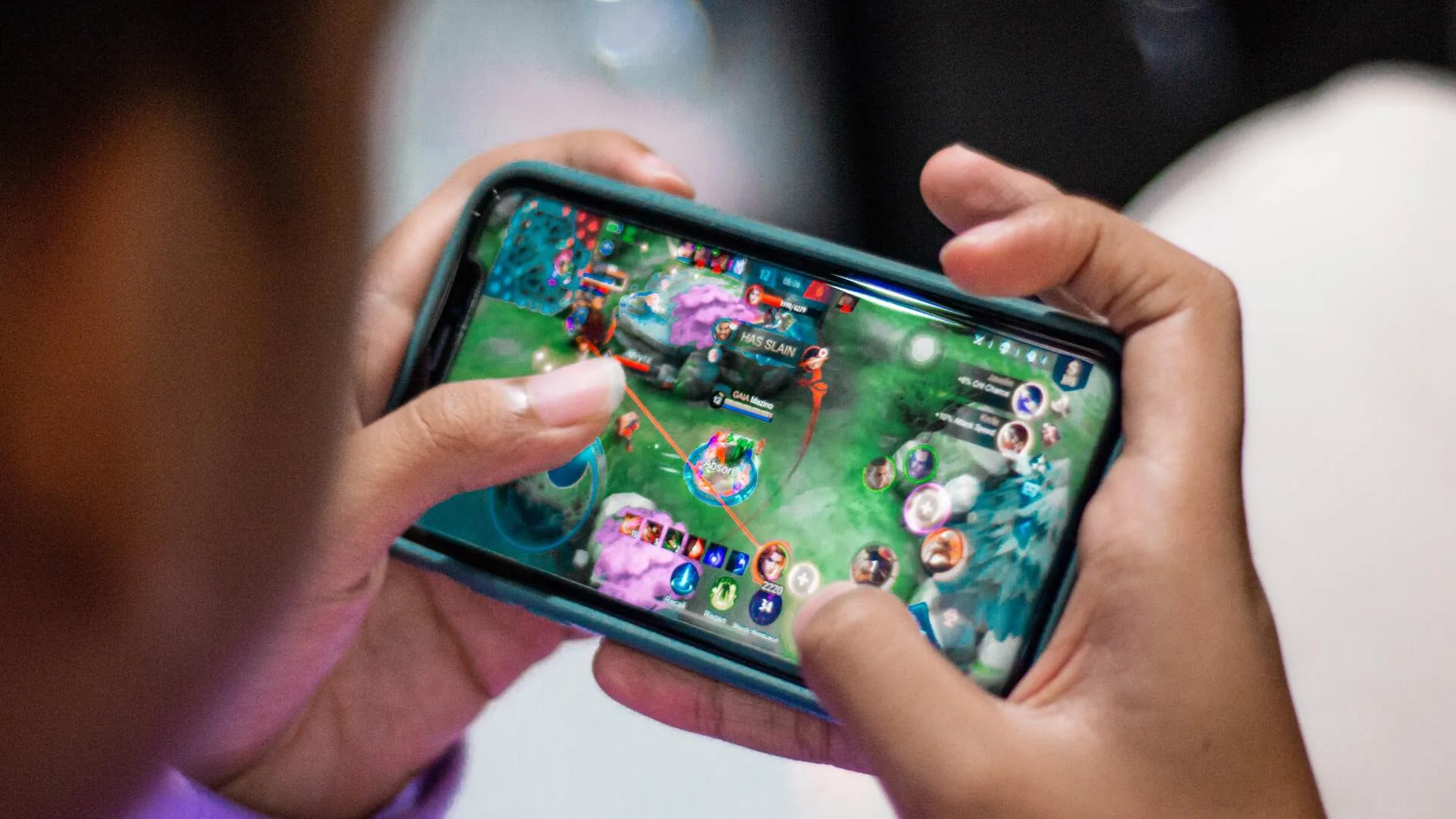
What Are These Things Anyway?
Application Programming Interfaces, or APIs, are essentially translators. They translate your finger swipes and taps into actions that the game can comprehend.
APIs manage the communication between you and the software when you pull the trigger in a shooter or maneuver around a corner in a racing game.
Software Development Kits, or SDKs, combine many of these tools to enable developers to create games without having to start from scratch each time.
Game studios receive these toolkits from Google, and the smart ones make good use of them. Because their developers squeezed every bit of performance out of Android, games like Genshin Impact and PUBG Mobile function as smoothly as they do.
Some low-cost games, on the other hand, completely disregard these optimizations, and you can tell right away.
Getting Rid of That Annoying Input Lag
Input lag is the fastest way to end a gaming session. When you press the dodge button, your character does nothing but stand and take blows. Your finger moved in time, your brain detected the threat, but the game betrayed you.
Google’s release of the Android Game Development Kit, which specifically addresses these timing issues, was prompted by this frustration.
The toolkit helps developers tighten controls, minimizing frame drops, and synchronizing audio with visuals.
These milliseconds are crucial for android games to compete with console quality. Although they may not comprehend the technical factors that contribute to a seamless experience, players can tell when something is wrong.
Because their teams gave these optimizations top priority during development, racing games like Asphalt 9 and fighting games like Brawlhalla master this responsiveness.
Playing With Friends Without the Headaches
An entirely new level of complexity is introduced by online multiplayer. To maintain seamless gameplay on your end, your phone must communicate with servers continuously.
Your character may teleport across the map or your shots may miss targets that should have been simple kills if you drop a few packets of data.
Behind the scenes, networking APIs control this chaos. They manage matchmaking, coordinate player locations, anticipate player movements to conceal connection issues, and keep all players in sync.
Dozens of players are thrown into explosion-filled matches in games like Call of Duty Mobile, but the experience holds up remarkably well on good connections. These networking tools are used cleverly to provide that stability.
Another challenge was created by the proliferation of android games with controller support. Instant recognition and precise button mapping are essential for Bluetooth controllers without requiring players to navigate through settings menus.
In order to handle this gracefully, Android updated its input APIs, allowing you to easily plug in a controller and begin playing games like Dead Cells or Minecraft.
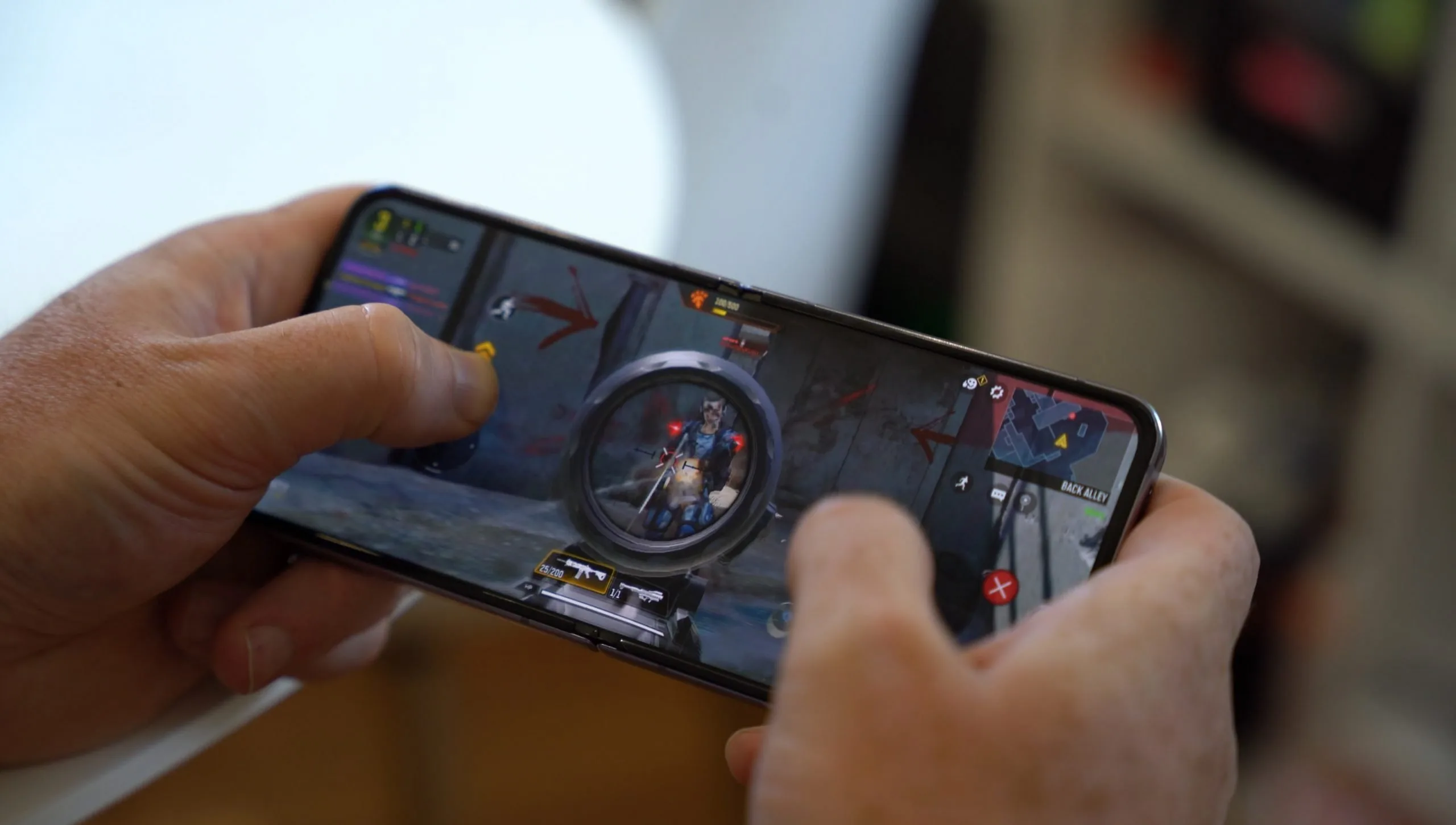
Making Things Look Pretty Without Melting Your Battery
What phones can display has changed thanks to graphics APIs like Vulkan. Mobile GPUs wasted a lot of energy on overhead tasks prior to Vulkan.
By removing that bloat, Vulkan enables developers to communicate with the graphics chip directly. The outcome? Higher frame rates, better visuals, and phones that stay cooler over longer sessions.
Physics engines connect to this visual work. Explosions need to scatter debris realistically. Cars need to feel heavy when they crash. Characters need momentum when they move.
All of this math runs alongside graphics rendering, and keeping both systems working together demands serious optimization. You get those satisfying moments when everything works together flawlessly when a game strikes this balance.
Where Mobile Gaming Goes From Here
Cloud gaming continues to push the envelope. While services that run games on remote servers and stream them to your phone present additional latency issues, they also enable you to play demanding games that would typically overheat your device. To improve these experiences, new streaming-specific APIs are already being released.
Additionally, machine learning on mobile devices creates intriguing opportunities. Imagine difficulty settings that change automatically based on your performance, or enemy AI that truly learns your playstyle and adapts. The ability to run AI models locally on Android has just begun to be explored by game developers.
Why Any of This Matters to You?
You probably did not pick up your phone today with the intention of learning about software development kits. However, you can better appreciate the artistry behind your favorite games if you know why some feel fantastic while others feel clumsy.
Experiences worth your time are produced by studios that are proficient with these tools. Those who cut corners deliver frustration.
Mobile gaming continues to catch up to PCs and consoles. The hardware improves every year, but software optimization is equally important.
Your phone can provide gaming experiences that were unthinkable only a few years ago thanks to those unseen APIs and SDKs operating in the background.