Chandan
wp:paragraph
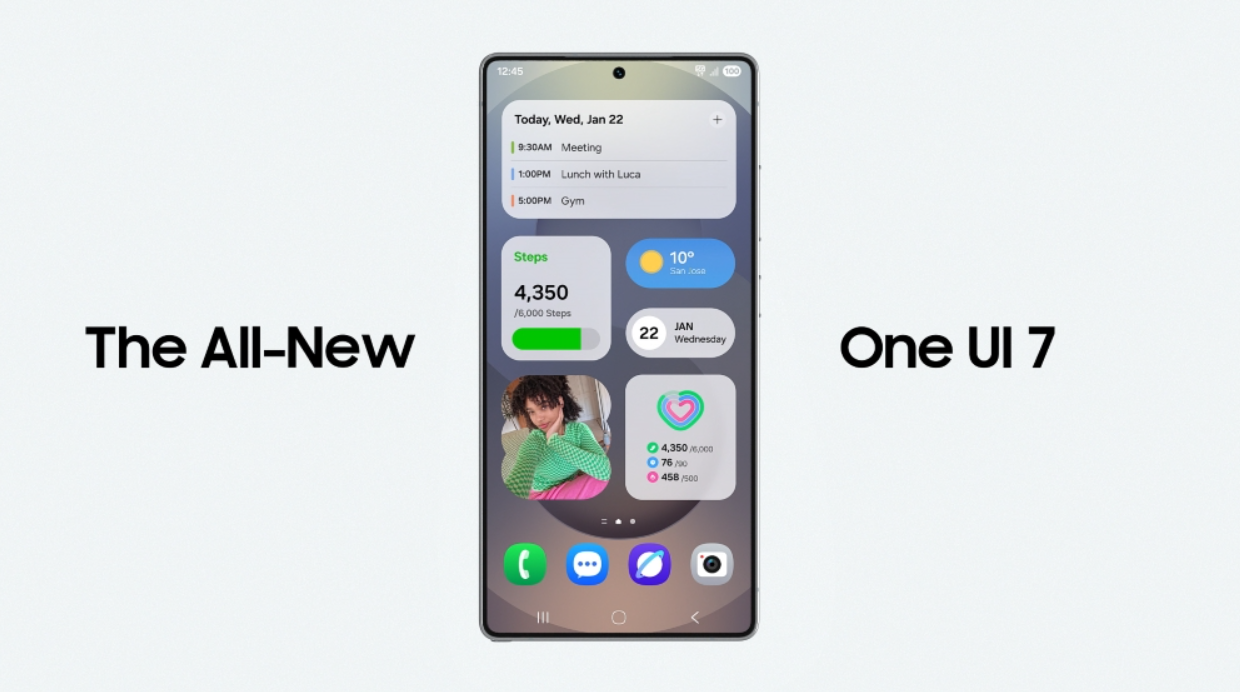
After what felt like forever, Samsung has begun rolling out the One UI 7 update to eligible devices. The release took longer than expected, so it’s a relief for many users to finally see it arrive. But there’s a catch; some people are reporting that the update gets stuck during installation. If you’re facing this issue, don’t worry. We’ve put together a few simple fixes below using which you can install the update and fix the issue.
/wp:paragraph
wp:image {“id”:12160,”sizeSlug”:”large”,”linkDestination”:”media”}
/wp:image
wp:heading
How to fix One UI 7 update getting stuck issue
/wp:heading
wp:paragraph
There are two methods using which you can fix the One UI 7 update getting stuck;
/wp:paragraph
wp:paragraph
1. Restart the device
/wp:paragraph
wp:paragraph
If your Samsung device is also facing the issue where the One UI 7 update installation is getting stuck then pause the update and simply restart the device. Once the device boots up, resume the update to see if the installation is progressing or not. If not, try restarting again. The issue will be fixed in one or two reboots. If it doesn’t, then check out the next step.
/wp:paragraph
wp:paragraph
2. Using Smart Switch
/wp:paragraph
wp:paragraph
You must have a PC to use this fix. First and foremost, connect your Samsung device to your PC with the help of a USB cable. Now open Smart Switch on your PC. You will be able to see ‘Update Available’ pop-up inside the app. Tap on it and the update will start downloading. Once downloaded, it will take a few minutes before your device finishes the installation process. You will be now able to use your device with the all-new One UI 7.
/wp:paragraph
wp:gallery {“linkTo”:”file”}
/wp:gallery