Jamie
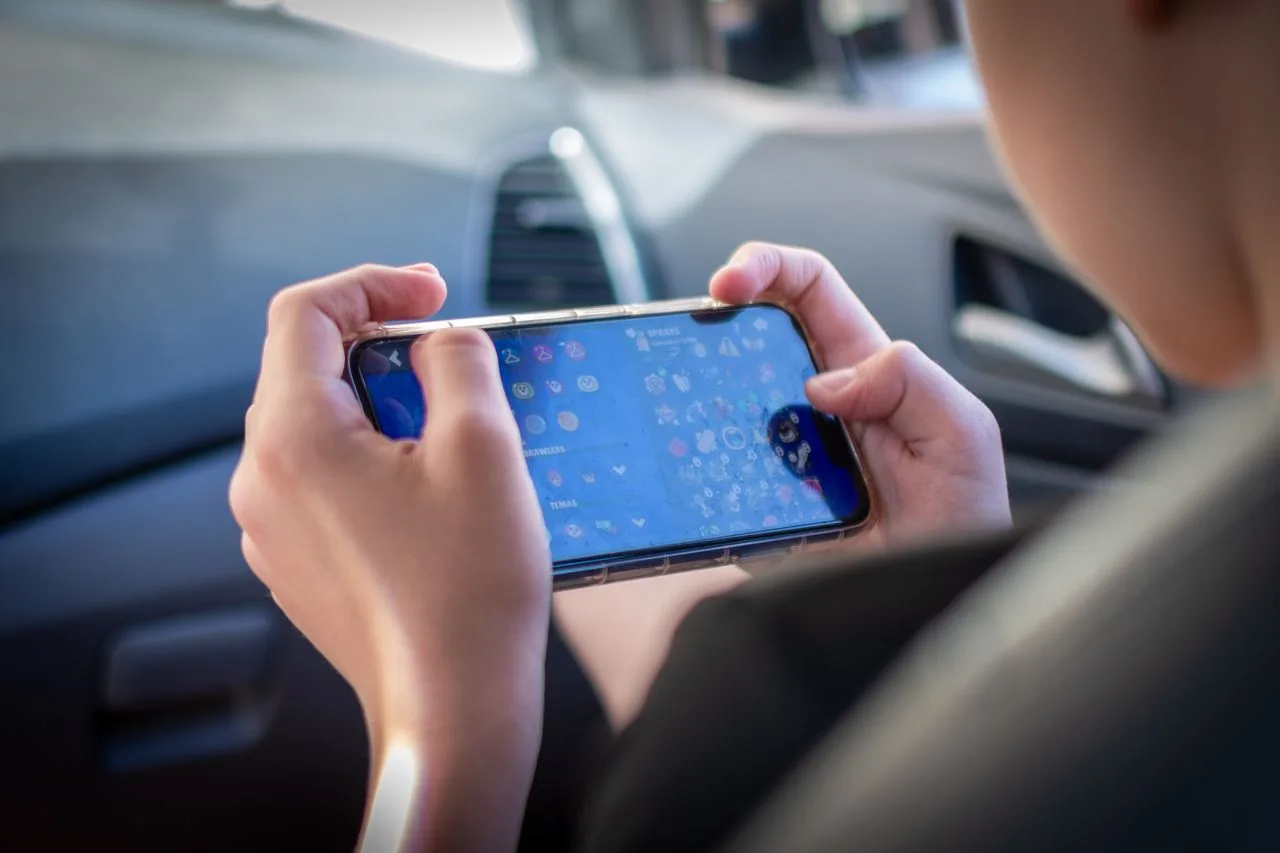
Your phone is probably the busiest screen you own. Shows, matches, clips, group calls. All of it squeezes through one wireless link, and every extra stop along the way can turn into a stutter. That is where a VPN comes in.
People switch one on to unlock American catalogs or to reach game lobbies in another region, and then notice that the picture looks sharper or the ping suddenly jumps.
This article looks at how mobile streaming and gaming performance change when your traffic leaves through a US server, and why the result depends on distance, crowding and a handful of settings.

Why Delay Matters More Than Raw Speed?
US mobile networks are fast. Ookla’s report for the first half of 2026 recorded a median mobile download speed of roughly 276 Mbps on the best carrier, and about 314 Mbps over 5G. Latency is the weaker spot: the same leader showed around 45 ms.
Why does that matter here? Because a VPN adds a stop. Your data first travels to the VPN server, then moves on to the app or game. When that server is near and not crowded, the extra cost is tiny. When it sits across an ocean, you pay for every kilometer, roughly 1 ms of round-trip time per 100 km of cable. A phone in Berlin talking to a server in New York starts with a floor of about 60 ms before the real work begins.
Mobile Streaming: When Resolution Meets the Routing Wall
Video playback behaves much differently than real-time gaming. With mobile streaming, latency matters far less than steady, unchoked throughput. Streaming platforms buffer video ahead of time by downloading 10 to 30 seconds of footage into temporary memory.
For standard high-definition playback (1080p), platforms generally mandate a steady 5 Mbps stream, while crisp 4K content requires around 25 Mbps.
Trouble starts when hops suffer packet loss. If an overseas route drops even 2% of data packets, adaptive video players drop resolution to prevent playback stalls. Suddenly, a pristine 1080p feed degrades into a blurry 480p mess.
Network statistics show that over 60% of mobile streaming interruptions on tunneled connections stem from unstable transit nodes rather than the terminal server itself. Once you settle on a stable routing node, binge-watching becomes remarkably smooth.
Understanding Routing, Distance, and the Latency Penalty
Data does not travel by magic. It moves as pulses of light through transoceanic fiber-optic cables and complex continental exchange points.
When a mobile user in Europe or Asia challenges players across the ocean, the signal cannot outrun the physical limits of glass and light. If your packet travels 5,000 miles, that physical distance introduces an unavoidable delay known as base latency.
Modern mobile devices rely heavily on optimized VPN apps to streamline these international pathways. Choosing the right gateway determines whether your connection crawls or thrives.
Routing your traffic through optimized servers located in the USA can give mobile users access to unique regional matchmaking pools and restricted media catalogs without severe bottlenecks. Many people specifically select high-capacity servers in the USA to bypass regional throttling imposed by their local wireless internet service providers.
Gaming Performance: Ping Beats Bandwidth
“A game needs very little data. It needs that data right now.”
Mobile titles now make up close to half of the global games market, according to Newzoo, so this is not a niche worry. Most online mobile games sip data, often a few dozen megabytes per hour.
Speed is not the issue. Ping is. Under 50 ms feels crisp, anything past 100 ms starts to cost you fights, and above 150 ms shooters turn into a slideshow.
Here is the catch with a US route. It helps only when the game servers also live in the US. Join a match hosted in Frankfurt through a tunnel in Dallas and every move you make crosses the Atlantic twice. Ouch. On the flip side, a US server makes sense for American matchmaking regions, early releases that launch there first, and friends who play on that side of the map.
A Real-World Rule of Thumb
Think of it as a trade. Streaming gains access and loses a sliver of speed. Gaming gains almost nothing unless the match is hosted in America, and it can lose a lot. If you only have time for one habit, turn the VPN off for games that already run on a nearby server.
How to Pick the Best Server?
Guessing wastes time. A quick test takes five minutes and shows you the truth.
- Run a speed and ping test without the VPN. Write the numbers down.
- Connect to the nearest US city and test again.
- Play or stream for ten minutes and watch for stutter.
Practical Steps to Optimize Speed and Ping
Tailor your settings to match your actual activity:
- Choose coastal locations: East Coast hubs (like New York or Virginia) offer the lowest ping for European users, while West Coast hubs (like California) favor players connecting from the Asia-Pacific region.
- Switch modern protocols: Lightweight protocols like WireGuard reduce battery drain and process packets much faster than legacy alternatives.
- Enable split tunneling: Route only your game or streaming app through the overseas endpoint while keeping local messaging apps on your native network.
- Avoid peak congestion hours: American internet traffic peaks between 7:00 PM and 11:00 PM EST, which can introduce mild server queuing.
- Small adjustments yield dramatic results. Choosing a server closer to the undersea fiber cable terminus can shave 30 milliseconds off your latency.
Choosing VPN Apps That Do Not Slow You Down
Not all VPN apps are built the same. Some look slick and crawl in the evening, others feel invisible. Check for a wide spread of cities, a modern protocol, a kill switch, and split tunneling, which lets your game run outside the tunnel while your video app stays inside it. Free tools often cap speed or cram thousands of users onto a few machines, so they tend to struggle when you need them most.
Server count in the right place matters too. A provider with plenty of servers in USA spreads the crowd across many machines, which keeps evening speeds steadier.
Battery is the other quiet factor. Heavy encryption on a three-year-old phone can drain it faster, so watch your battery stats after the first week.
Final Thoughts
A US server will not magically boost every connection. Streaming usually stays smooth and often unlocks more titles, while gaming performance depends on where the match is hosted. Pick a close city, test the ping, and keep the tunnel for the moments it truly helps. Do that, and your phone gets the best of both worlds.