Jamie
JamieMost Android sellers with more than a few listings run into the same problem. Their product videos end up looking like different people shot them for three different brands.
The camera isn’t the issue. A phone films the product just fine. The problem starts when clips from different Android phones, different lighting, and old supplier footage all get mixed into the same store. None of that is a filming skill problem. It’s a processing problem, and most sellers never had the time or software to fix it properly.
The Video Gap in Most Android Seller Listings
Even though listings with just photos will convert as well, listings with videos convert better, and buyers on sites such as Amazon or Etsy are increasingly looking for video before they make the leap to buying. Most Android sellers skip video anyway, and the reason usually has less to do with laziness than with cost.
A professional video shoot can cost thousands per product. Learning proper editing software for one twenty-second clip eats up an afternoon most sellers don’t have between sourcing, packing, and answering customer messages. Most good editing tools were built for agencies with a real production budget, not for one person running a store alone.
Cleaning Up Watermarks in Supplier Product Clips
You might have experienced that while directly copying product footage from a supplier’s page helps you save time in shooting and recording the product. However, this footage is almost always marked with another supplier’s fingerprint: their manufacturer’s branding, a watermark from another retailer, or a timestamp.
Vmake, an AI video platform built for sellers without an editing team, includes a watermark remover that tracks a logo or timestamp across the frame and strips it without leaving the smeared patch a manual crop tends to create.
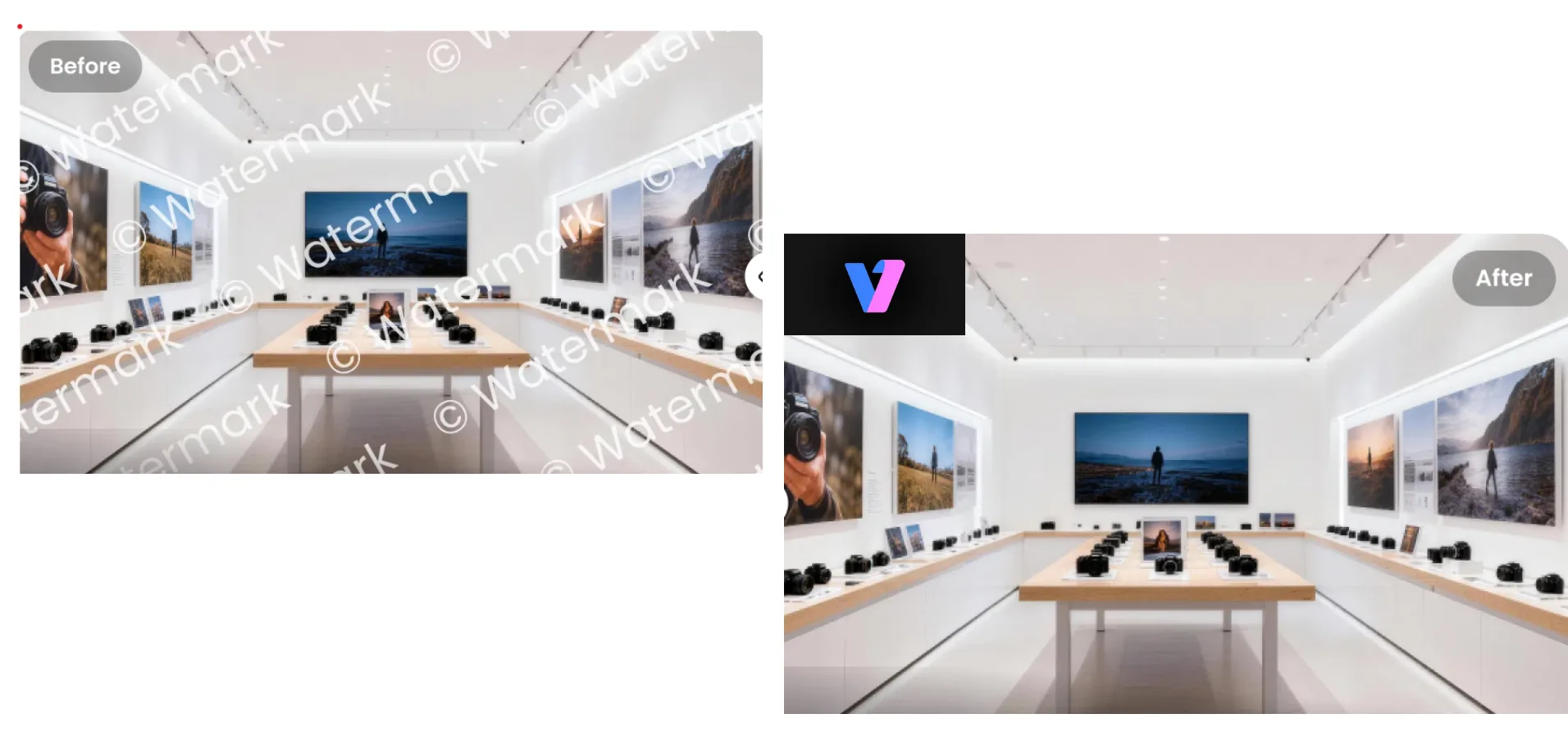
That’s important because the clips from suppliers are usually captured on a turntable or a slow pan, so a still mark is not only in one corner of the video, but it’s moving.
Posting supplier footage as-is signals a reseller operation to buyers, and on some platforms it risks getting flagged as duplicate content, which can hurt how it ranks in search or ad delivery.
Fixing Footage You Already Filmed Yourself
The bigger issue with self-filmed Android clips usually is consistency. One clip looks fine. The next one, filmed in a different room or at a different time of day, looks noticeably worse. Put both in the same listing, and the whole page feels unfinished.
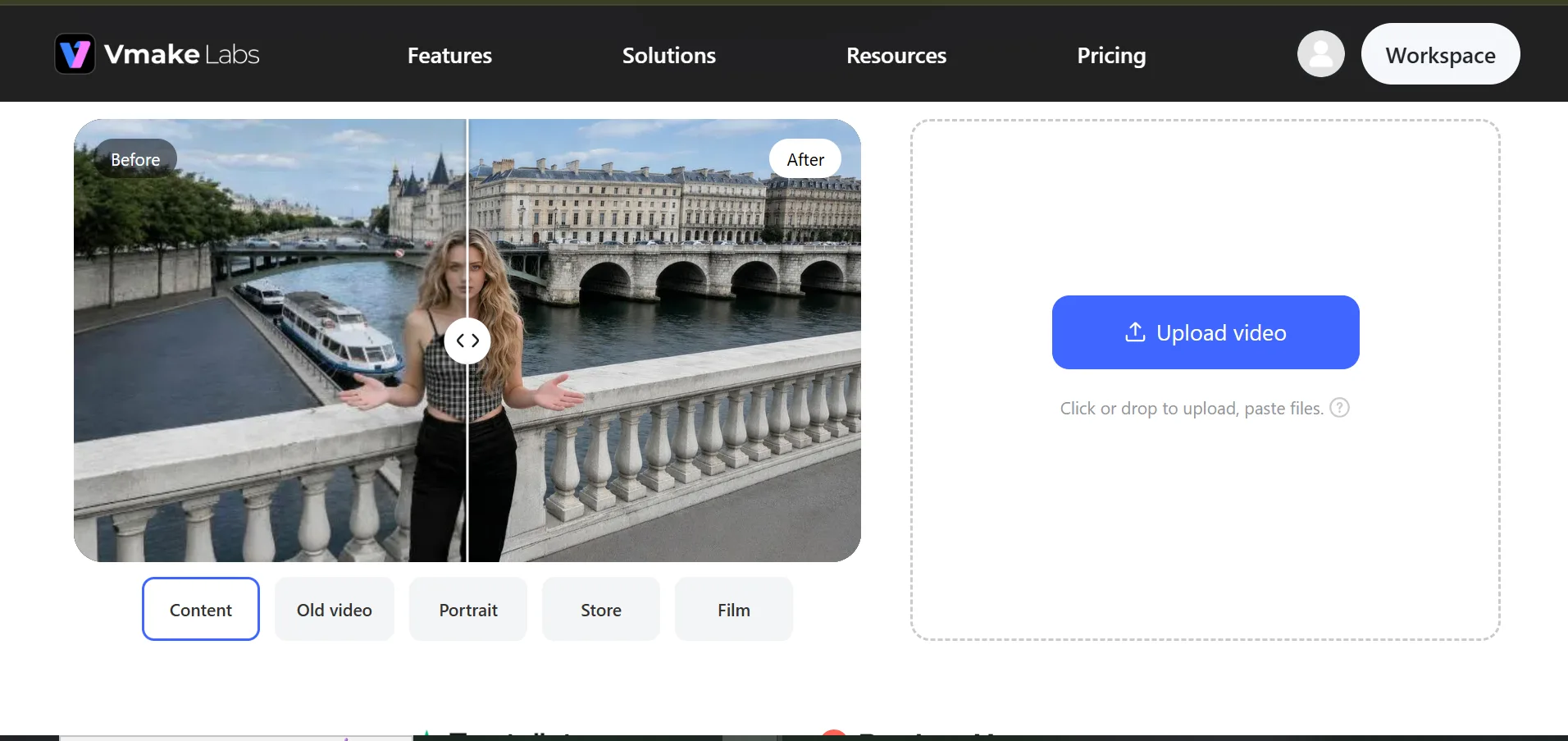
A Product-specific enhancement mode fixes this by recovering texture on packaging and material finish, instead of just sharpening the whole frame. This matters most once a phone camera has already compressed the fine detail out of a shot. A separate Lowlight mode handles the dim, warehouse-style lighting that a lot of home-based sellers shoot in. Running every clip for a listing through the same mode closes the small color gaps between shots taken on different days or different phones.
Turning Existing Product Photos Into Video
Most sellers already have decent product photos sitting in a folder, taken for the listing itself, that never get turned into video. That’s a resource most sellers forget they already have.
A ugc video generator builds a creator-style video directly from a product photo, with an optional AI avatar standing in as a presenter for anyone without the time or setup for an on-camera shoot.
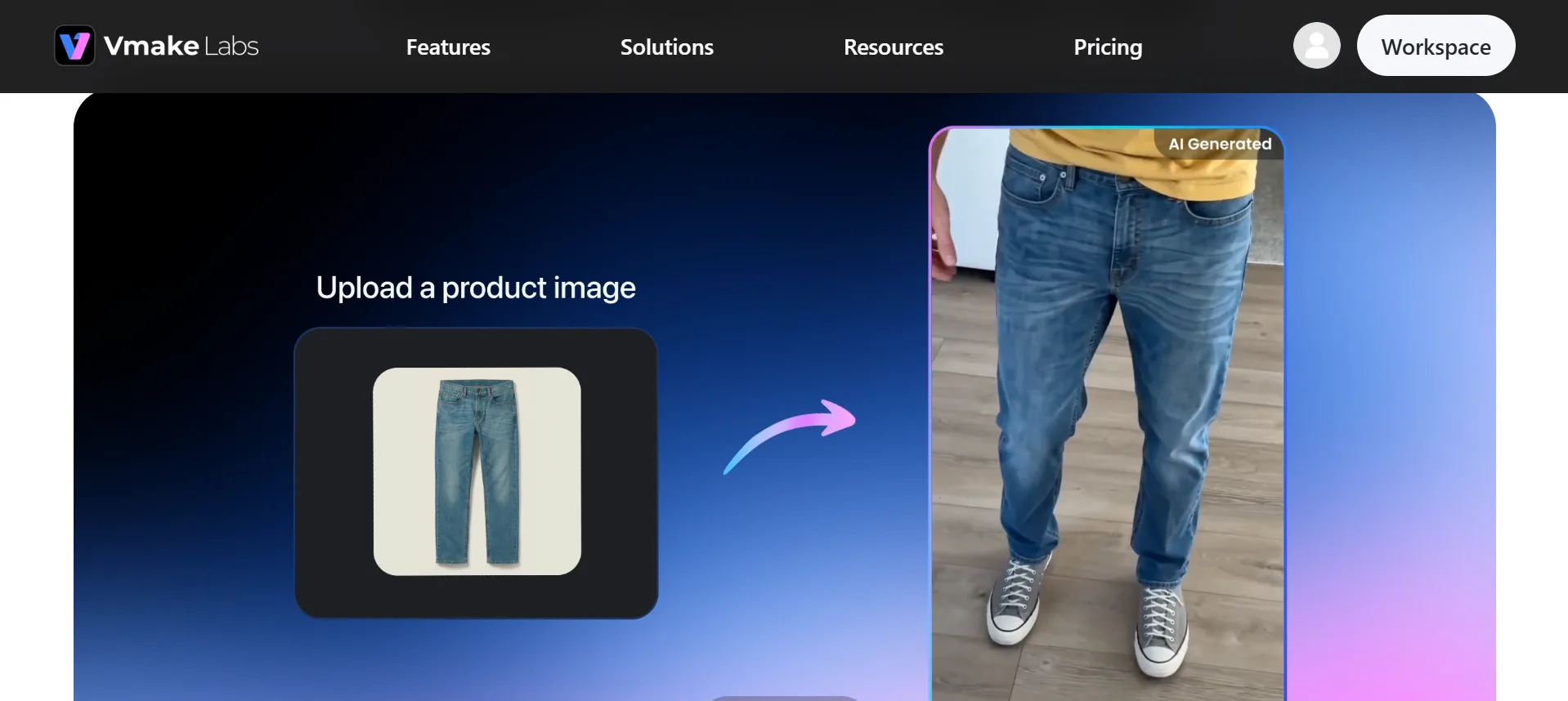
This works especially well for new products and small items like jewelry, where a photo already shows most of what a buyer needs to see. A generated video won’t outperform a real customer video, but it turns a photo library a seller already has into video coverage across the whole catalog.
Batch Tools for Sellers With More Than a Few Listings
Editing one video by hand is manageable. Editing fifty the same way rarely stays consistent, and usually falls apart somewhere around product fifteen or twenty.
Vmake’s batch tools are built for that jump in volume:
- Batch upload processes up to 30 assets at once, so watermark removal and enhancement don’t happen one clip at a time.
- The same enhancement mode applies across an entire batch, keeping color and clarity aligned across products filmed on different days.
- Processed clips export individually or as a group, ready to upload straight to a marketplace listing without extra conversion steps.
For a seller with fifty SKUs, this turns a week of scattered editing sessions into a single afternoon of batch processing.
Verdict: Deciding If This Fits Your Store’s Workflow
For five or ten listings, editing by hand still works fine. Past that, switching between a watermark tool, an editor, and a captions app starts costing real time, especially for sellers updating listings every week.
The simplest way to know if this is worth adopting is to test it on two clips: one supplier video and one self-filmed clip. That’s a better gauge than committing an entire catalog to a new process on day one. Vmake makes this full editing a hassle-free task. Try it now.